
Help Article
Friends and Followers
Learn how to open your follower lists, manage following preferences, and use friend-based privacy controls.
Friends and Followers
Community > My Friends & Followers
You can manage follower relationships from the Community shortcut My Friends & Followers, or from the follower and following counts on a profile page.
The current screen is split into two tabs:
FollowersFollowing
Followers
The Followers tab shows the pilots who follow you.
From here you can review who follows you and open each pilot’s profile. Friend-based privacy still matters here, because Gaggle uses your friend list when you choose sharing settings that are limited to friends.
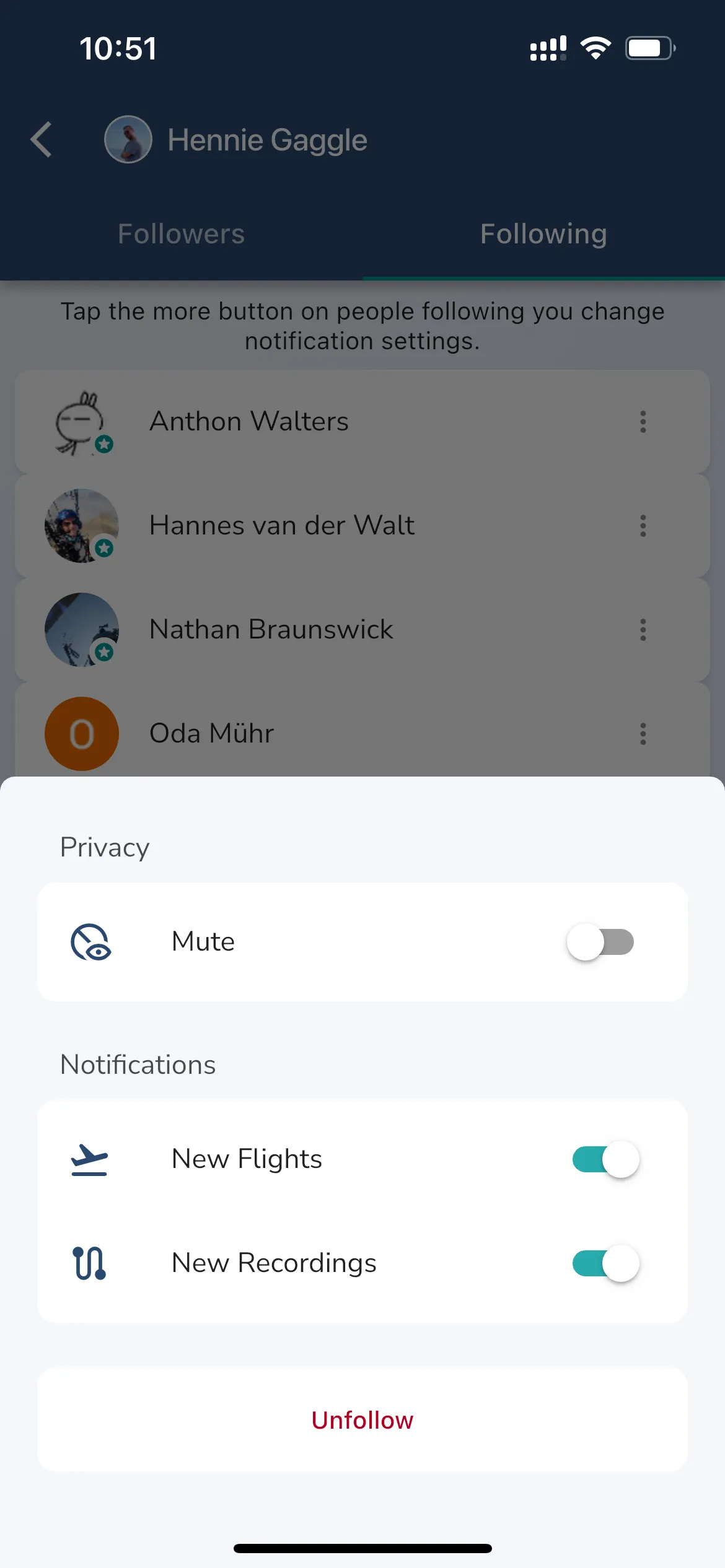
Use this tab when you want to:
- review your current followers
- open a follower profile
- confirm who can still reach your shared flights through follower or friend relationships
Following
The Following tab shows the pilots you follow.
Each followed pilot can open a settings sheet where the current controls include:
MuteNew FlightsNew RecordingsUnfollow
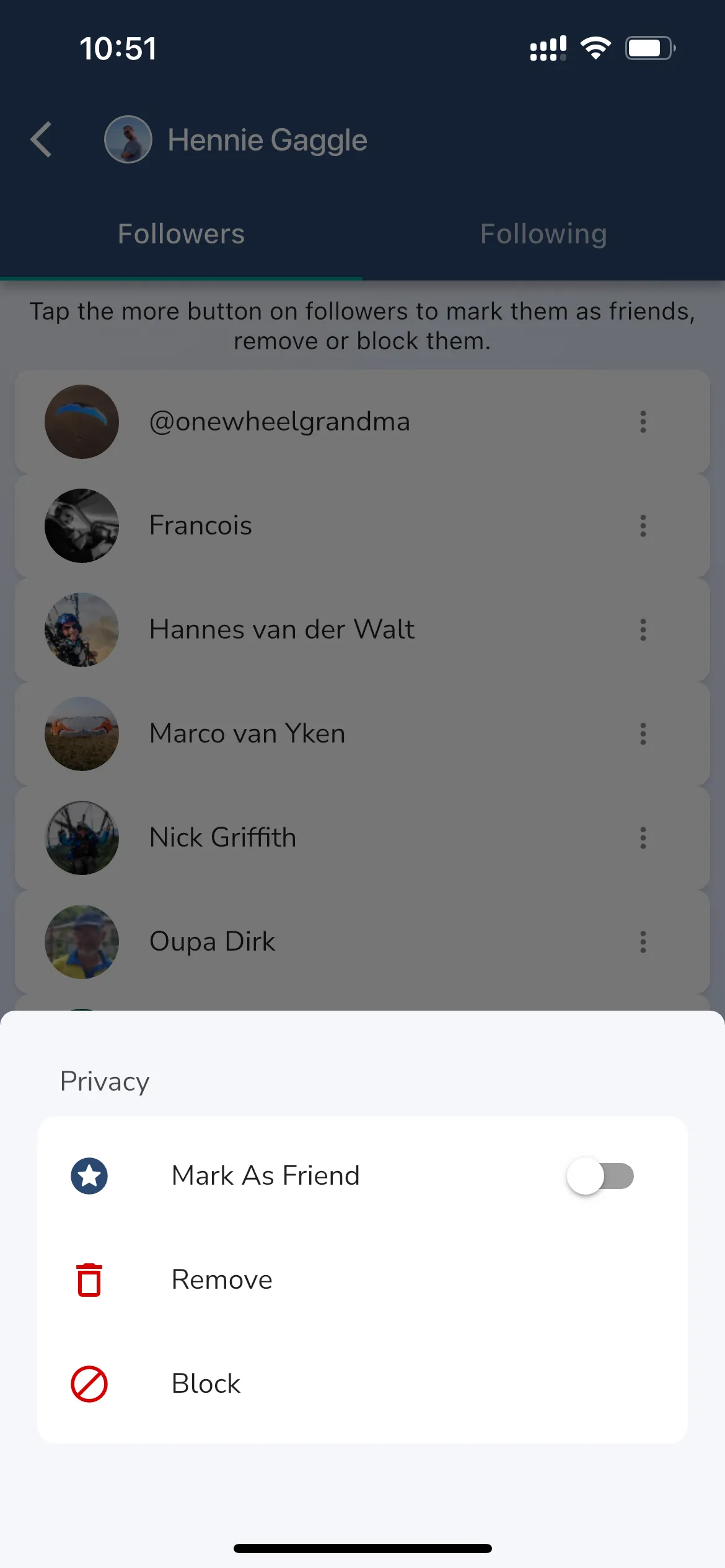
Use these settings when you want to reduce notifications from a pilot without unfollowing them completely, or when you want to stop following them altogether.
Friends and privacy
Gaggle also supports friend-based privacy controls.
This matters when you choose sharing options such as:
- friends-only visibility
Close Friends- group and friend combinations
If you rely on private sharing inside Gaggle, review your friend and follower relationships regularly so your sharing choices still match the people you intend to include.