
Wings
Profile > Equipment > PG/PPG/HG > tap a wing
Manage your wing details, service history, and wing-specific settings from the wing detail page.
You can create wings from Equipment using the current add flow:
- Tap Add
- In Add Equipment, select Paragliding Wing or Hang Gliding Wing
- Enter Manufacturer and Name
- Tap Add
Wing details
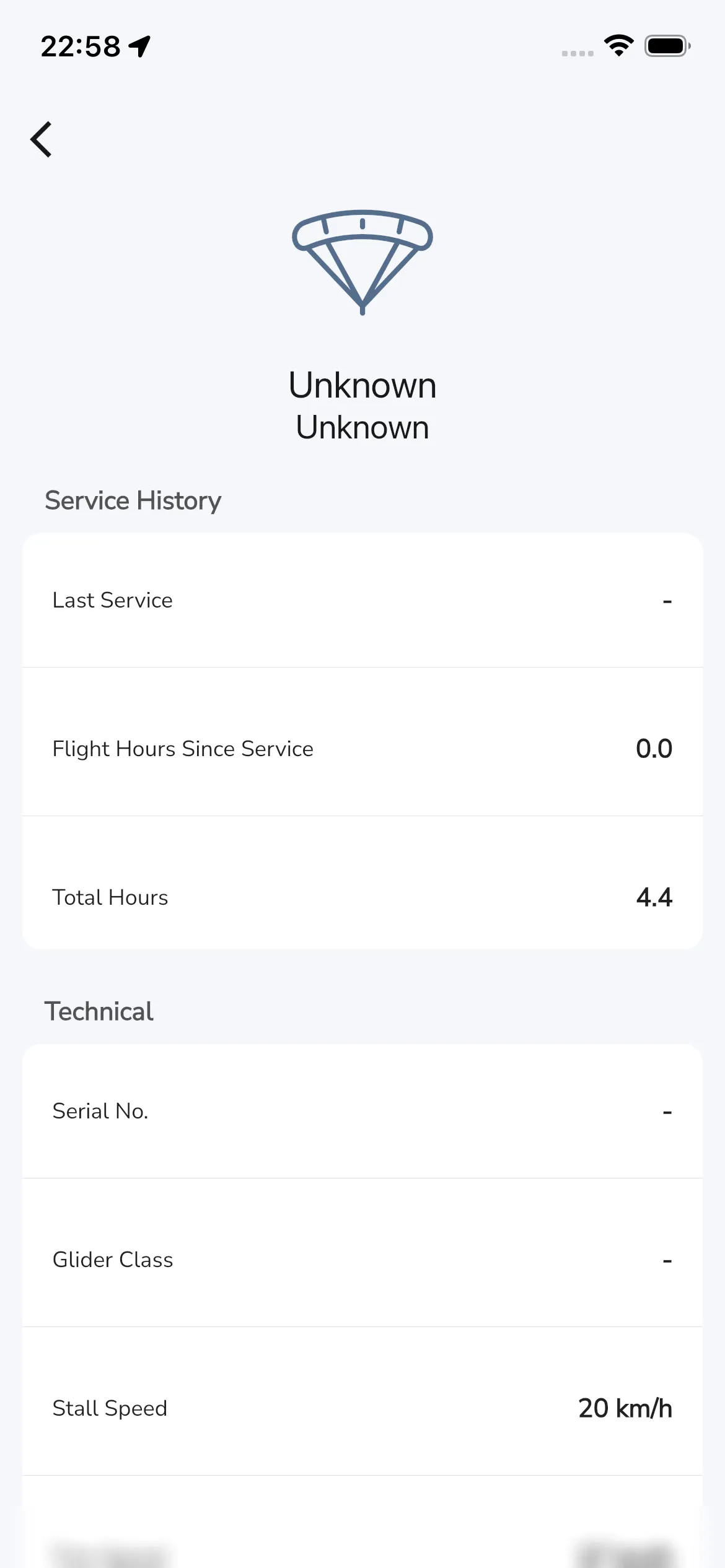
Service history
Current labels include:
- Last Service
- Flight Hours Since Service
- Total Hours
If you record flights with Gaggle, hours are automatically added over time.
Technical
Current labels include:
- Serial No.
- Glider Class
- Stall Speed
- Trim Speed
- Max Speed
- Glide Ratio
- Area
- Span
- Weight Range
Fuel Consumption Adjustment
You can set Fuel Consumption Adjustment per wing.
This value is applied as an adjustment against engine consumption for powered flights.
Wing Colors
The Wing Colors section lets you set Primary, Secondary, and Tertiary colors.
Notes
Use Notes to store wing-specific details.
Bottom actions on a wing
Lower in the page, current actions include:
- Flights
- Change Name
- Archive