
Help Article
Conversations
Open your conversation list, jump into pilot, group, and site chats, and understand current message access.
Conversations
Profile Page > Conversations
Use Conversations to chat with pilots, groups, and flying sites.
You can open this screen from:
- Profile > Conversations
- The chat icon on Home
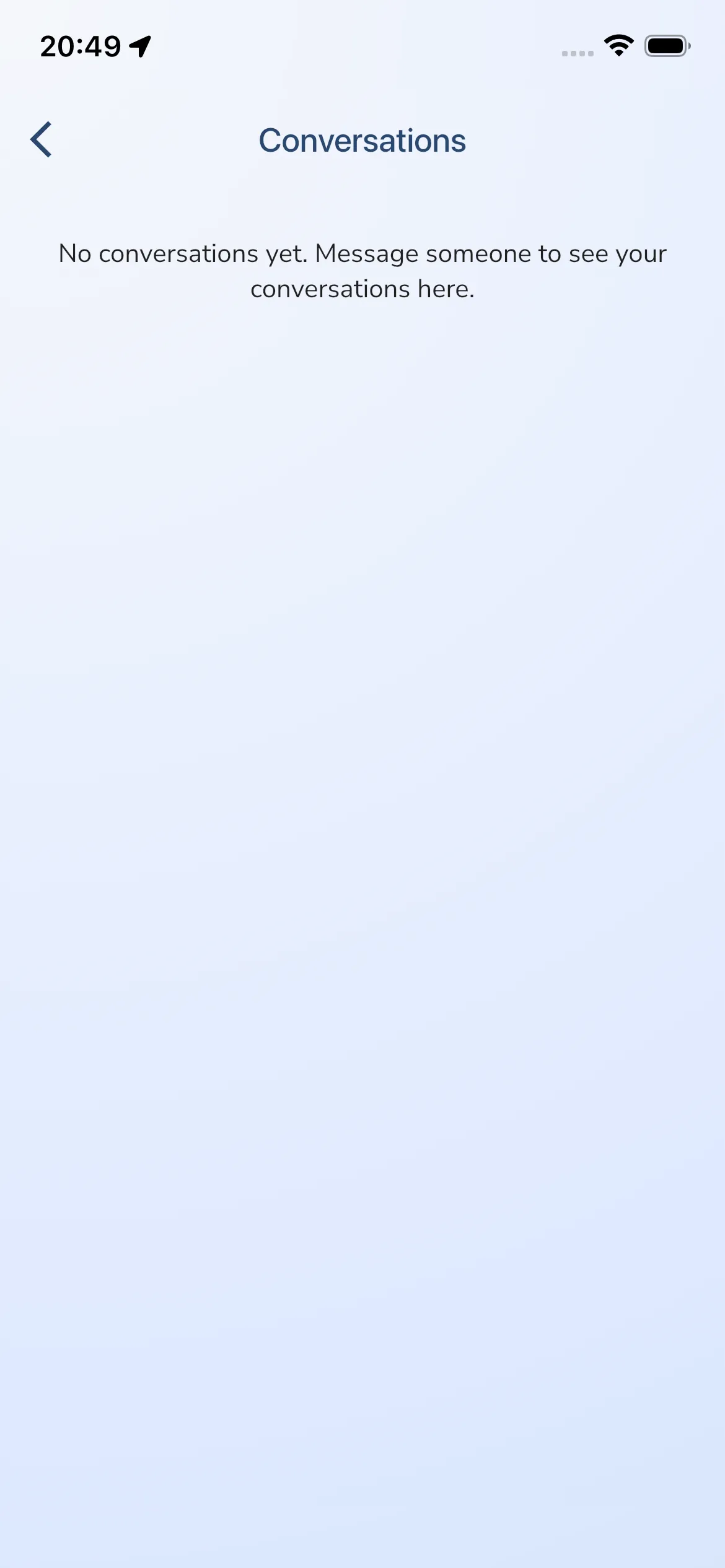
On this page you will see your conversation list with:
- Pilot, group, or site name
- Last message preview
- Last message date
- Unread indicator (red dot)
Tap any row to open that conversation.
If you have no active conversations yet, you will see: No conversations yet…