
Written by: Francois Burger on Nov 26, 2026
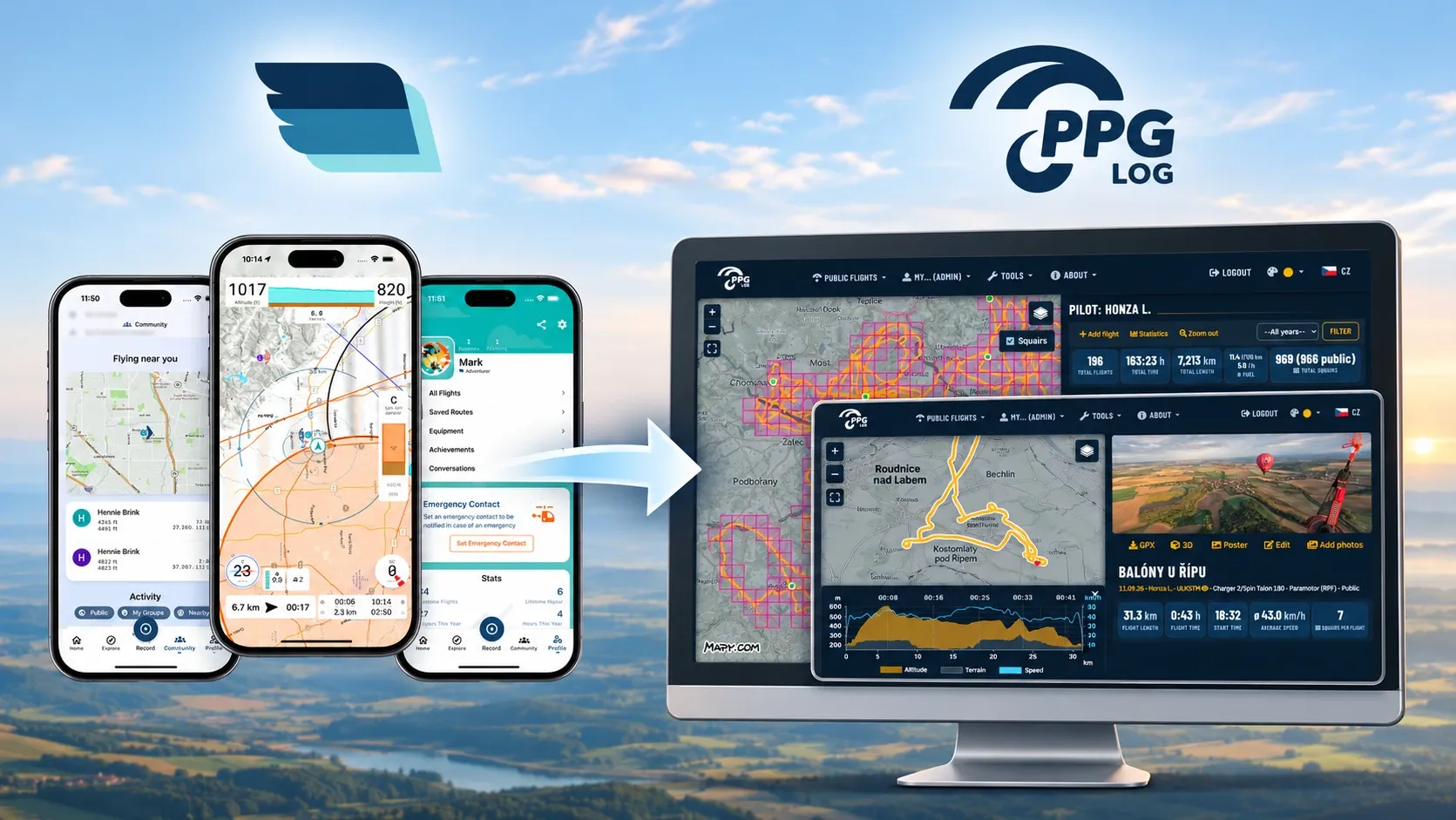
We are excited to announce a new integration with PPGLog, the free online flight logbook for paramotor pilots. Connect your Gaggle account once, and every paramotor flight you record with Gaggle shows up in your PPGLog logbook a few minutes after it uploads. No exporting, no uploading files, and you don’t even need to open PPGLog.
PPGLog is a free online logbook built for paramotor pilots. You can view each flight on a map with charts and statistics, and add a description, photos and videos. All your flights come together on one map, with yearly overviews and totals for flight hours, kilometres and fuel consumption.
It also has a fun game called Squairs: the map is split into roughly 3 × 3 km squares, and you collect every square you fly over. It’s a great excuse to explore somewhere new on your next flight.
That’s it. From now on, new paramotor flights arrive in PPGLog automatically, and if you chose to import your history, older flights download gradually in the background.
For the full details, read the announcement on PPGLog.
A big thank you to the PPGLog team for building this integration. We can’t wait to see your flights, and your Squairs, fill up the map!
Cheers,
The Gaggle Team
¡Descarga Gaggle ahora y comienza gratis!
Instrumentos de vuelo, repeticiones, amigos, sitios de vuelo, clima y más al alcance de tu mano con nuestra aplicación fácil de usar.