
Help Article
Ask Gaggle
Chat with the in-app Gaggle assistant about the app, your flights, flying sites and other pilots.
Ask Gaggle
Ask Gaggle is the assistant inside the app. Ask it for help with the app, questions about your flights and flying sites, or to find pilots to fly with.
It is different from connecting an outside assistant such as Claude or ChatGPT to your account. For that, see Connect Gaggle to your AI assistant.
Open it
- On your profile, tap Ask Gaggle in the Profile list.
- On Home, tap the Ask Gaggle icon at the top left.
You must be signed in with an account.
Ask a question
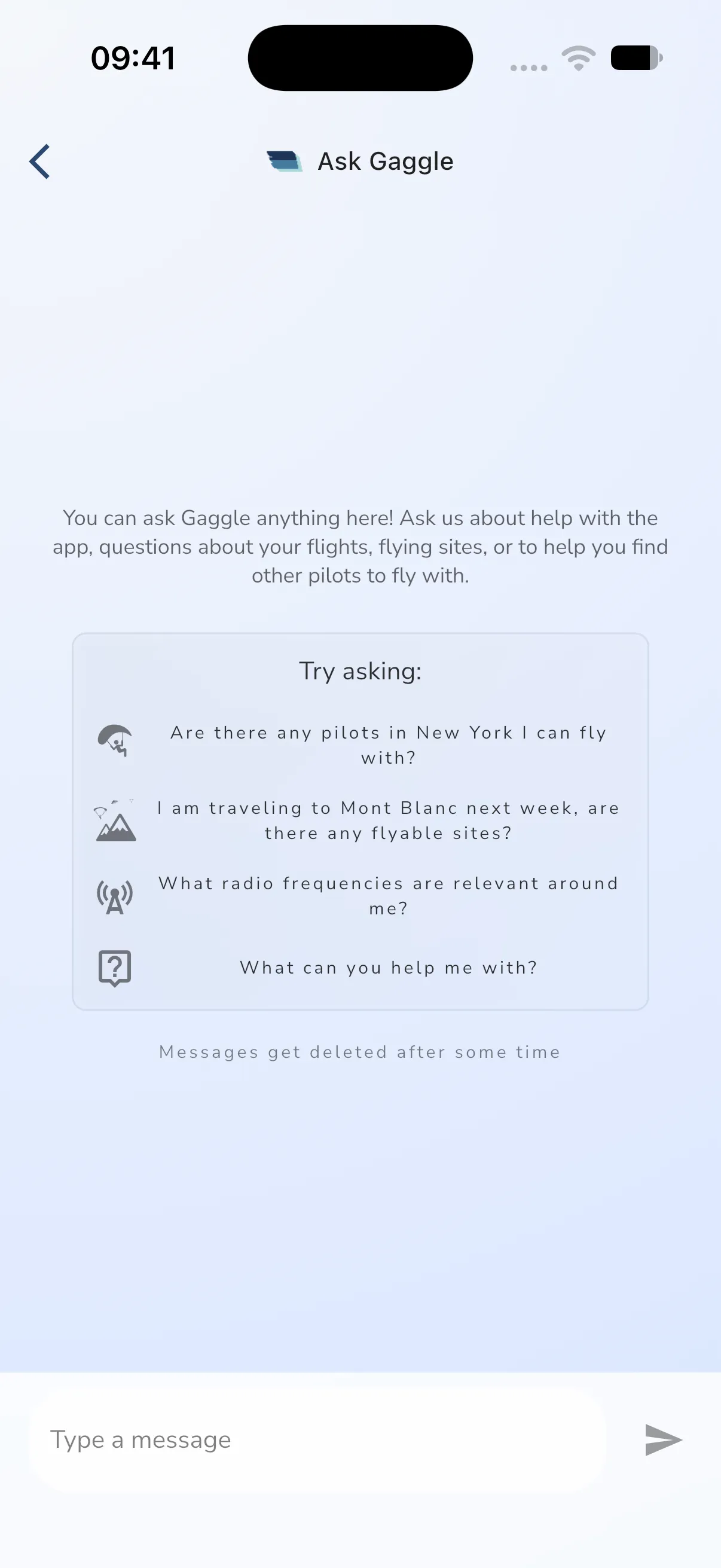
Type in Type a message and tap send. The screen suggests questions under Try asking:, such as which pilots are near a city, which sites are flyable on a trip, or which radio frequencies matter around you. Links in answers open the app page or a website.
For questions about how the app works, Ask Gaggle searches the help centre, the Learn Gaggle lessons and the rest of flygaggle.com. It uses help articles first.
Messages get deleted after some time.
Plan
Sending a message needs the Adventurer plan. Without it, the Ask Gaggle row shows Unlock, and sending a message opens the purchase sheet.