
Help Article
Wind Speed & Direction
Read the current wind widget and understand how Gaggle presents direction and speed in flight.
Wind Speed and Wind Direction Instrument
The wind instrument is the lower-right circular widget in the in-flight layout.
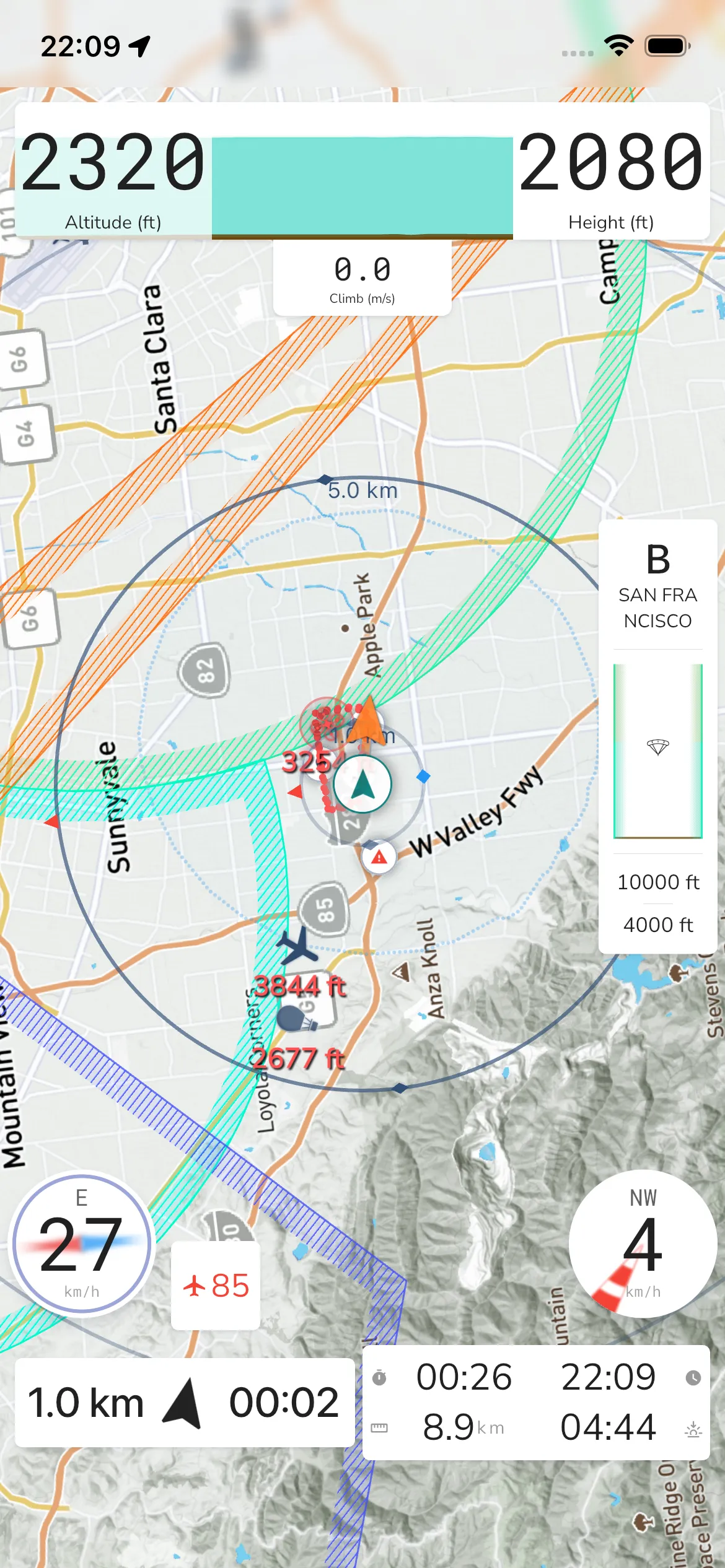
The widget shows:
- Wind speed in your selected speed unit
- Wind direction as a cardinal label when direction data is available
- A directional indicator behind the value for quick orientation
In the current iOS pass, tapping this widget did not open a separate modal.
Use this instrument as an aid, and always confirm local wind conditions with on-site signals and safe flying practice.