
Help Article
Equipment
Manage wings, engines, aircraft, and Bluetooth devices from Equipment.
Equipment
Profile > Equipment
Use Equipment to manage what you fly with and what sensors you connect for recordings.
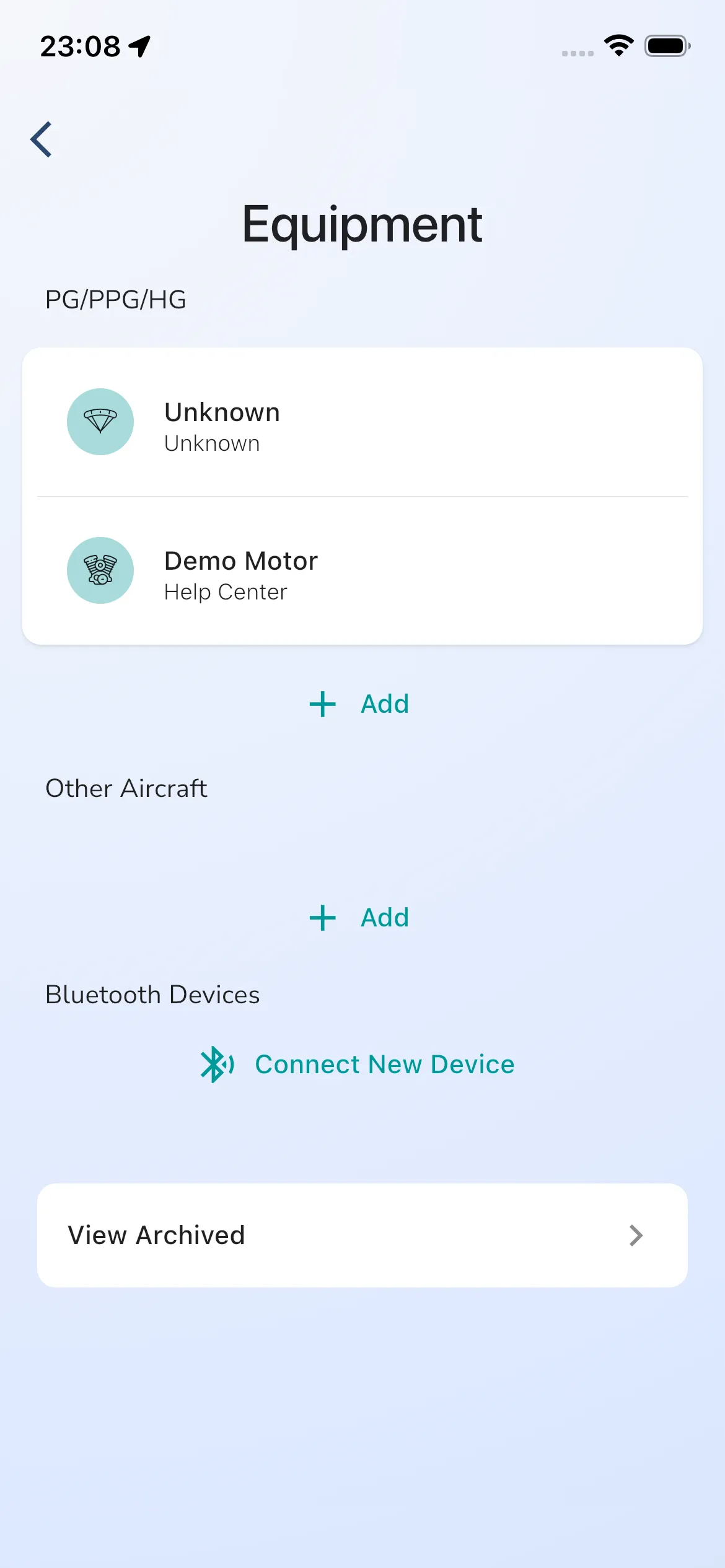
The current Equipment root shows:
- PG/PPG/HG (wings and engines)
- Other Aircraft
- Bluetooth Devices
- View Archived (entry to archived items)
You can tap any equipment row to open and edit details.
The screenshot currently includes demo entries such as Unknown and Demo Motor.
Add equipment
From PG/PPG/HG or Other Aircraft, tap Add.
The current add dialog is:
- Title: Add Equipment
- Type options: Paragliding Wing, Hang Gliding Wing, Engine, Aircraft
- Fields: Manufacturer, Name
- Actions: Cancel, Add
Create a wing or motor quickly
For wings and engines, use:
- Profile -> Equipment
- In PG/PPG/HG, tap Add
- Select type (Paragliding Wing, Hang Gliding Wing, or Engine)
- Enter Manufacturer and Name
- Tap Add
More detail:
Connect Bluetooth devices
In the Bluetooth Devices section, tap Connect New Device.
Bluetooth setup and detail flow is covered here: Bluetooth devices.
If you are trying to understand which Bluetooth $ strings Gaggle can read, use Bluetooth NMEA strings.
View archived equipment
Archived items are opened from View Archived on the Equipment root page.